

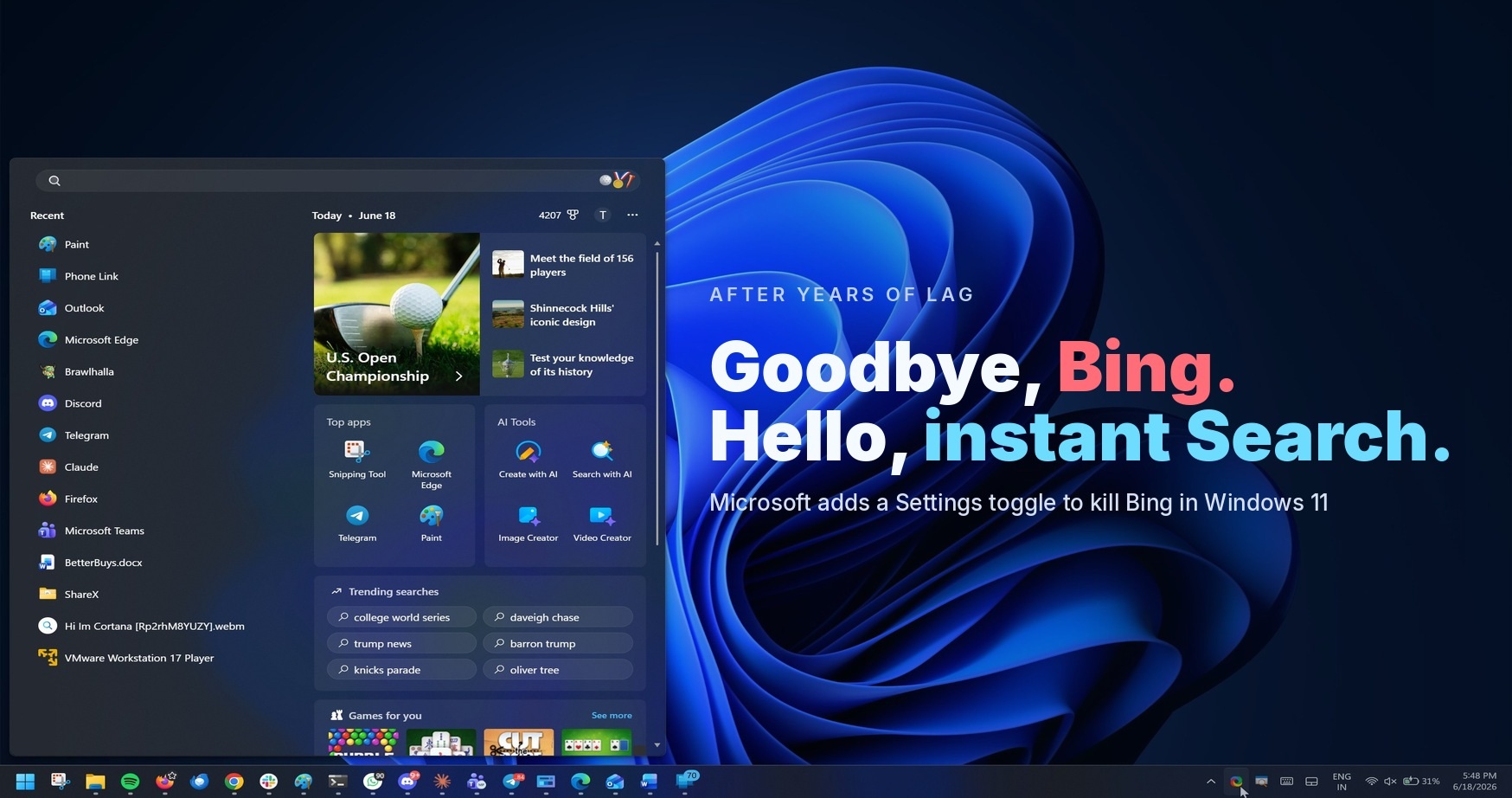
Contrary to what the article says, Windows search is complete shit even with Bing disabled
That was my first epiphany when I moved to Linux. I was like: “wait, search works!?”
This has always been an option, but up until now has required changing a setting in group policy (pro/enterprise) or making a registry tweak (home). I would wager that they’re simply exposing this policy setting to end users within the regular UI.
In the local group policy editor, it’s located in:
Local Computer Policy \ Computer Configuration \ Administrative Templates \ Windows Components \ Search

Do Not Allow Web Search → Enabled
Don’t search the web or display web results in search → Enabled
This also works with Windows 10, despite the article focusing on Windows 11.
There are corresponding registry entries for these but I don’t know where off the top of my head since I run the Enterprise IoT version and can just use the group policy editor. (Pretty much all local policies simply twiddle the relevant registry bits for you.)
Of course the option is under Privacy and Security. They know what it’s doing. But it’s good that they’re finally doing this after years of crappy searches. Too little, too late, though.


